A real extended desktop.
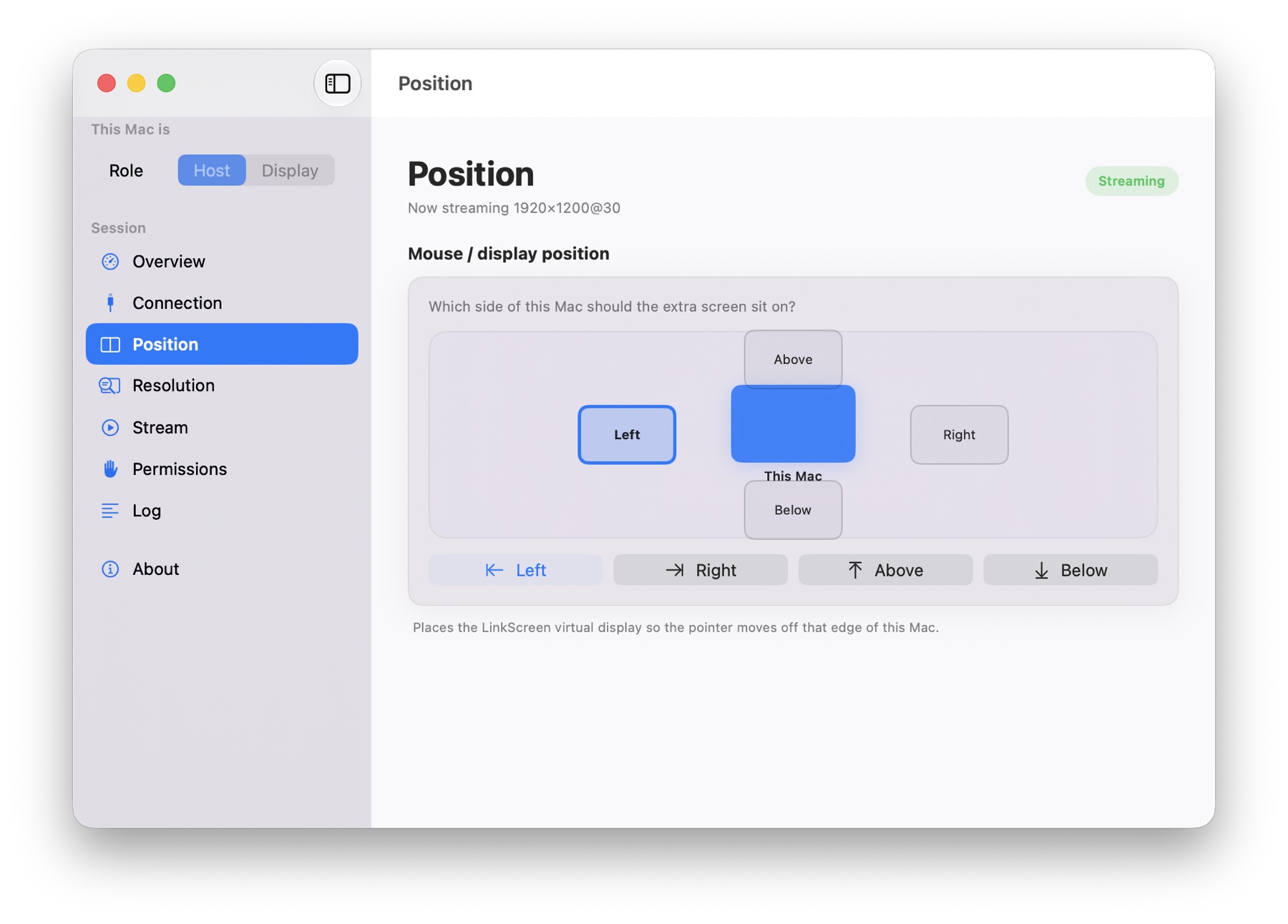
Drag windows across just like any external monitor. Arrange it above, below, left, or right in a click.
Extend your workspace to another Mac over Wi-Fi or Thunderbolt. No subscription. No dongle. Just more room to make things.
v1.0.7 · Universal works on both · Drag to Applications · Signed & notarized · Release notes
More screen. Less stuff.
xmac.space creates a real virtual monitor on your main Mac and sends only that display to the Mac beside it.
Drag windows across just like any external monitor. Arrange it above, below, left, or right in a click.
Connect over your local network, or use Thunderbolt when every frame matters.
Built in Swift with hardware video encoding for low overhead and a truly Mac-like feel.
No trial clock, subscription, or proprietary hardware to buy.
Up and running in minutes
No accounts or new hardware. If your Macs can see each other, you’re almost there.
Set your main Mac to Host and your spare Mac to Display.
Enter the Host IP over Wi-Fi, Ethernet, or Thunderbolt.
Arrange your new display and move your windows right over.
Simple by design
Position your display, choose a resolution, pause the stream, and see live performance—all from one clean native app.
Your next monitor is already on your desk.
v1.0.7 · Universal, Apple Silicon, or Intel DMG · Requires two Macs on macOS 13+ · All releases